Photo Color Correction Basics: Rescue Dull, Flat Photos
Straight-out-of-camera phone photos often look flat and gray — not because you shot badly, but because cameras deliberately play it safe to preserve details. A quick pass of brightness, contrast and saturation makes the image pop instantly. Many online tools upload your photos to their servers first; Web PSEditor does all the math locally in your browser, so even large images open and adjust instantly with zero privacy risk.
The Result: Before vs After
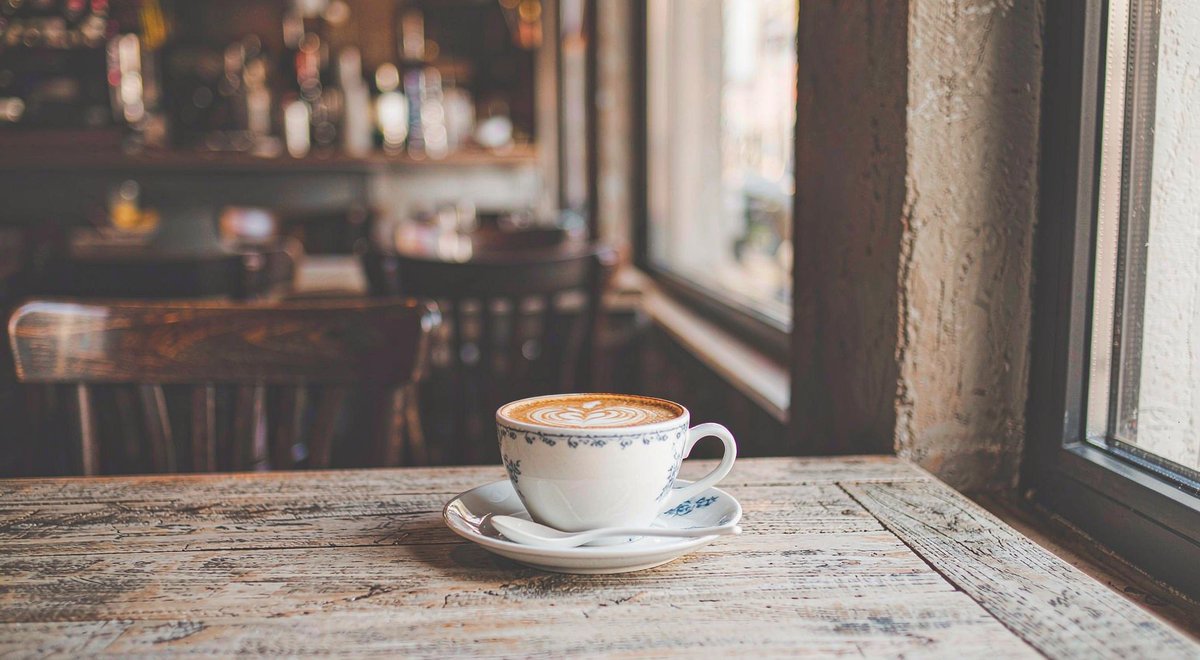
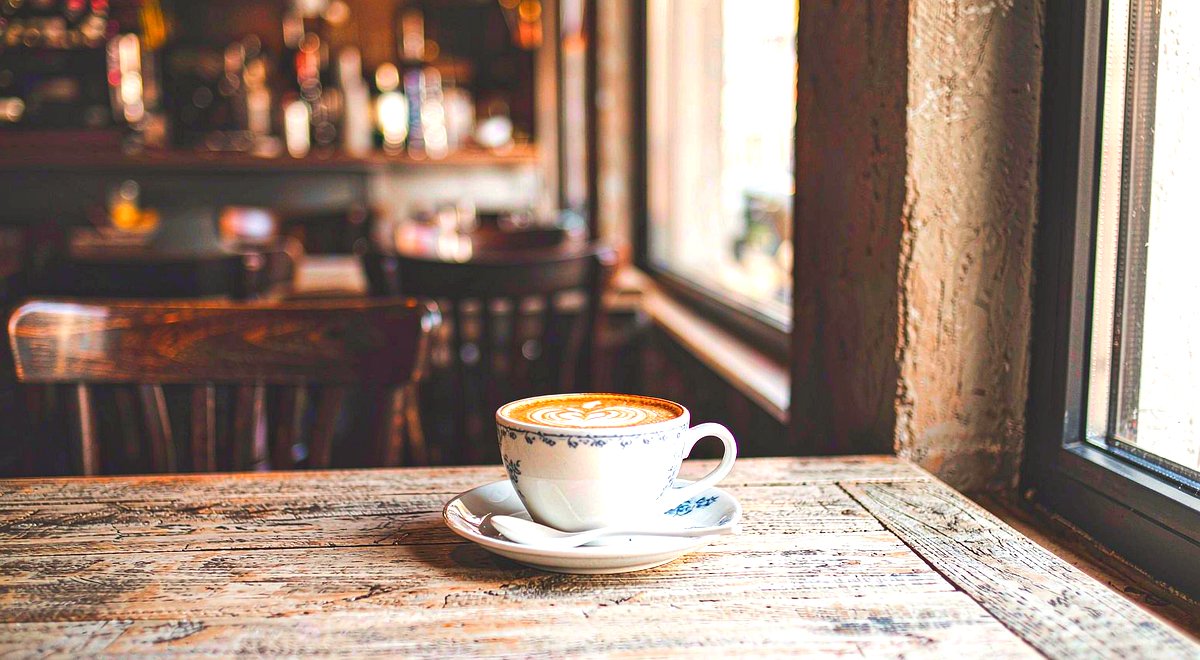
Step 1: Load Your Photo
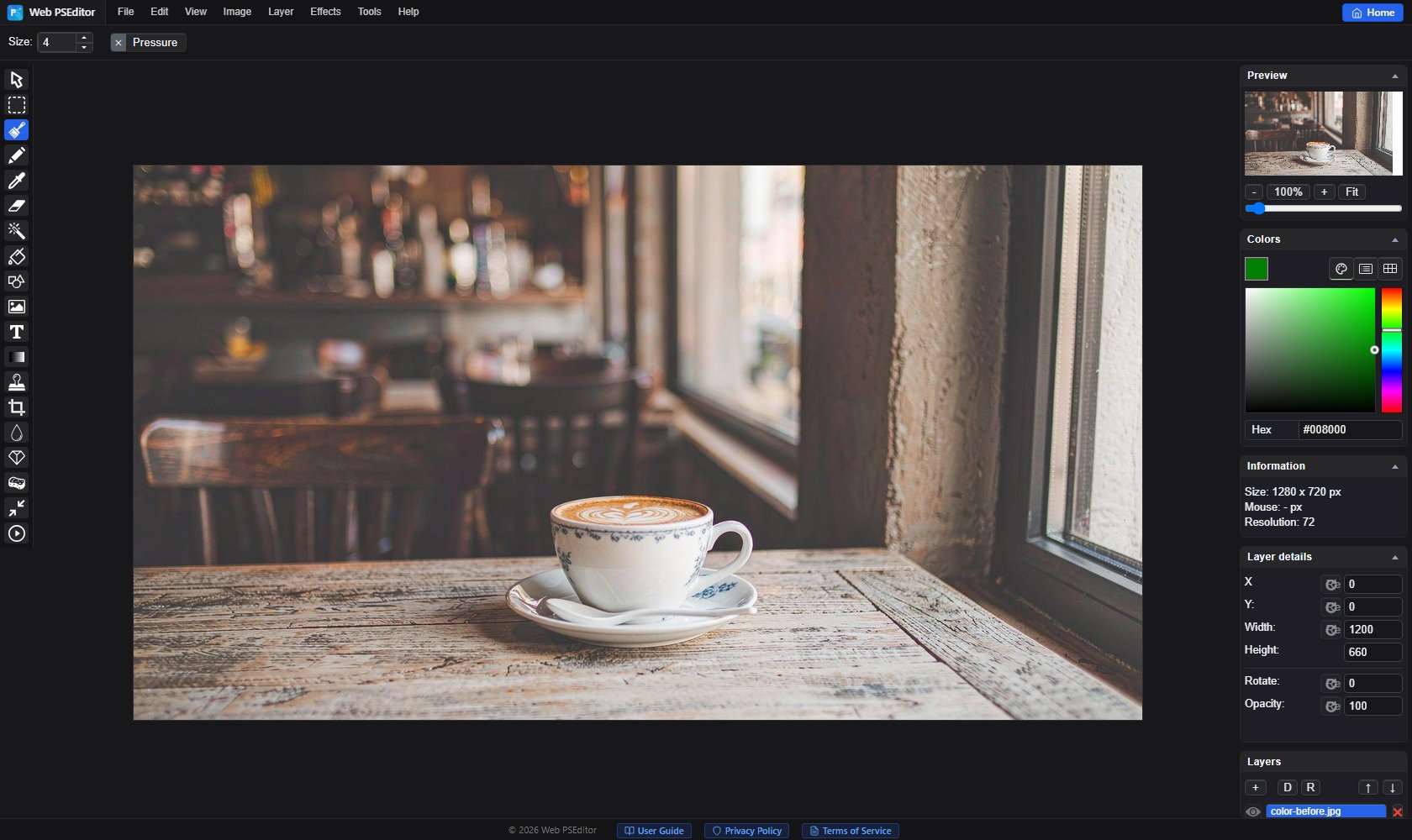
Open Web PSEditor, click File → Open and import your photo.
Click Image → Auto Adjust. The editor analyzes the histogram and automatically fixes exposure and contrast. For most photos this alone solves 80% of the problem.
For a personal look, open Image → Color Corrections:
1. Brightness: lift the whole image by +5 to +15; too much blows out highlights.
2. Contrast: make the image "stand up", +10 to +25.
3. Saturation: boost colors +10 to +30; go easy on portraits to avoid orange skin.
4. Finish with Sharpen at 30–60 for crisp details.
Click File → Save As and export as JPG (quality 85+). Keep the original file so you can re-edit later.
Open the editor and color correct your own photo now — no account, no upload.