Crop, Rotate & Straighten Tilted Photos
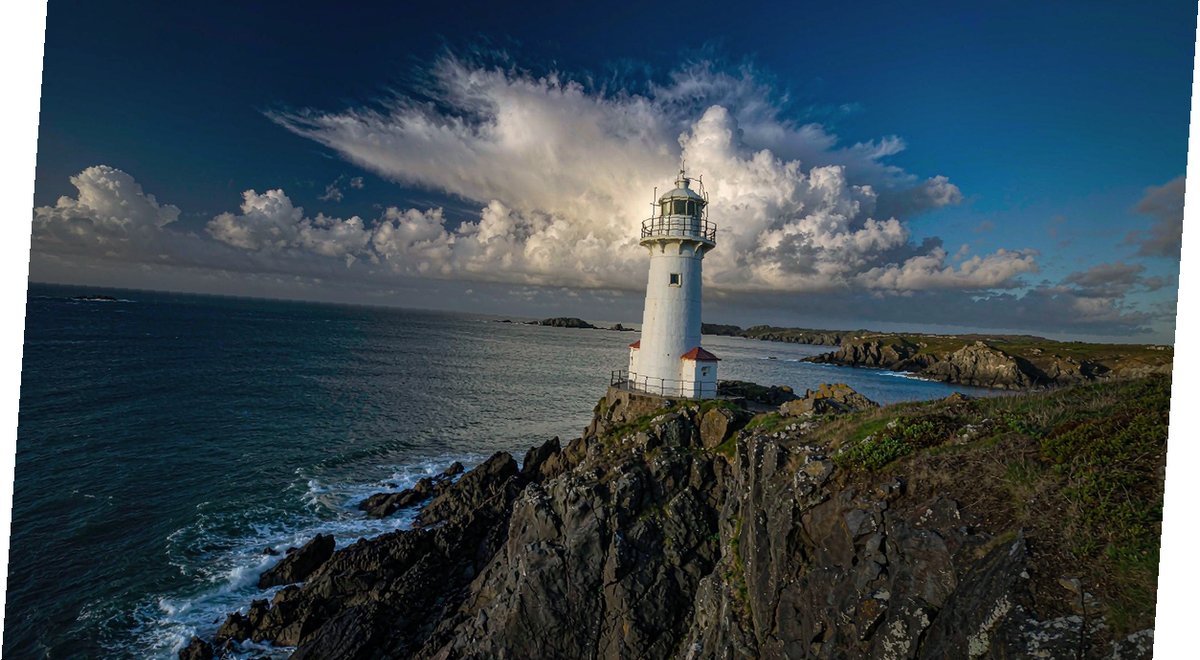
A horizon off by 2 degrees makes the whole photo feel like it's falling over; a trash can at the frame edge ruins the best landscape. Before you delete it — crop, rotate and straighten can rescue tilted photos in three steps, all locally with Web PSEditor.
The Result: Before vs After

How to Fix It
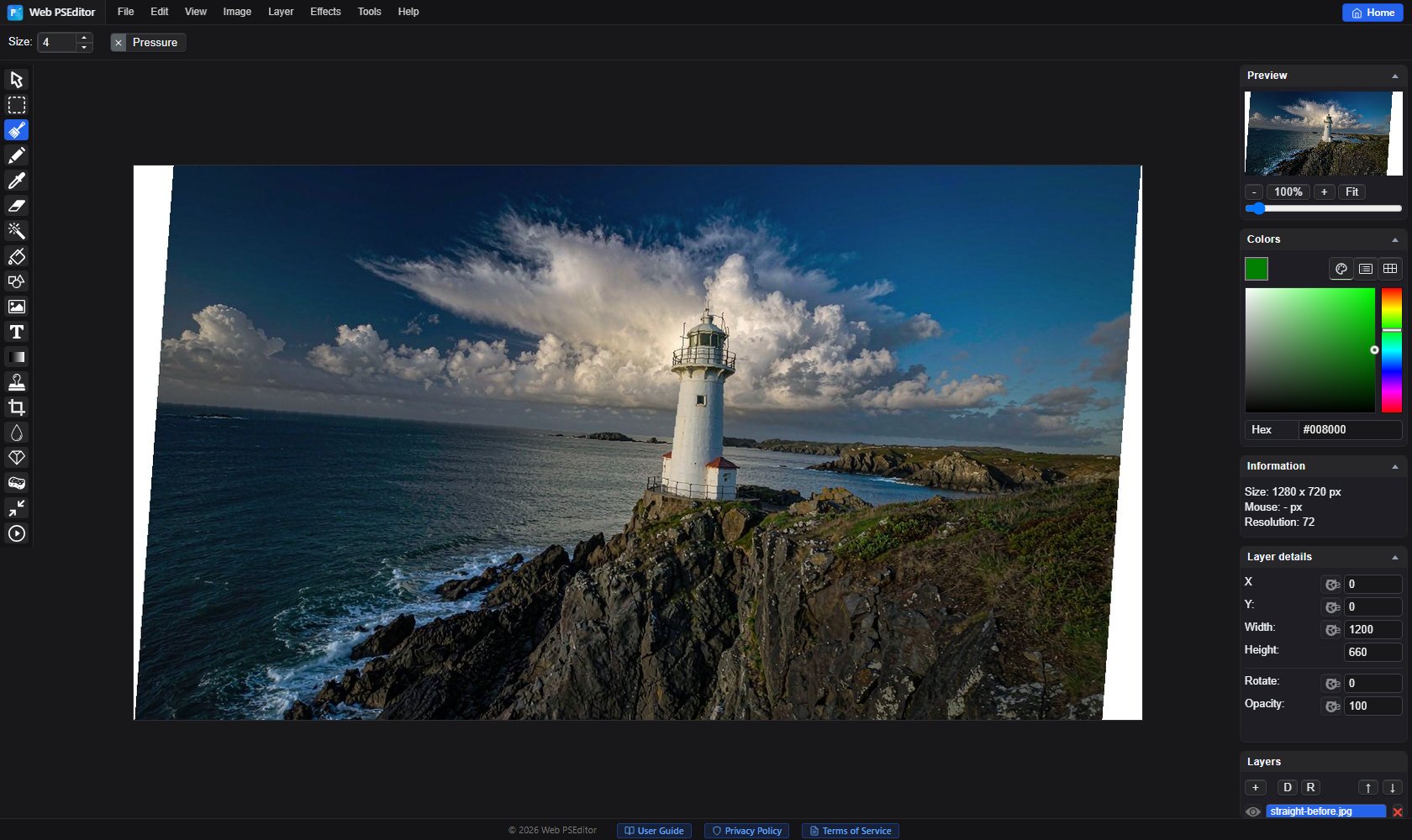
Open the photo and use Image → Rotate for 90° turns; for small tilts use Edit → Free Transform to fine-tune the angle (about 4° in our example). Rotating exposes white corners — we crop them away next.
Select the Crop tool, trim the white edges along the photo content, and cut distractions at the frame edge at the same time. Putting the subject on a third line instantly looks professional.
Zoom in on building edges or the horizon. Off by 1° is invisible; off by 3° ruins everything — nudge 0.5° at a time.
Save via File → Save As. For re-photographed documents, export JPG at quality 90+ to keep text crisp.
Open the editor and rescue one of your own tilted photos.