Creative Gallery
Real examples of what you can make with Web PSEditor — ID photos, e-commerce shots, photo finishing and more. Open any example as a template and make it yours.
Images shown are sample works for demonstration. Everything opens and edits locally in your browser — nothing is uploaded.
🧑Portraits & ID Photos
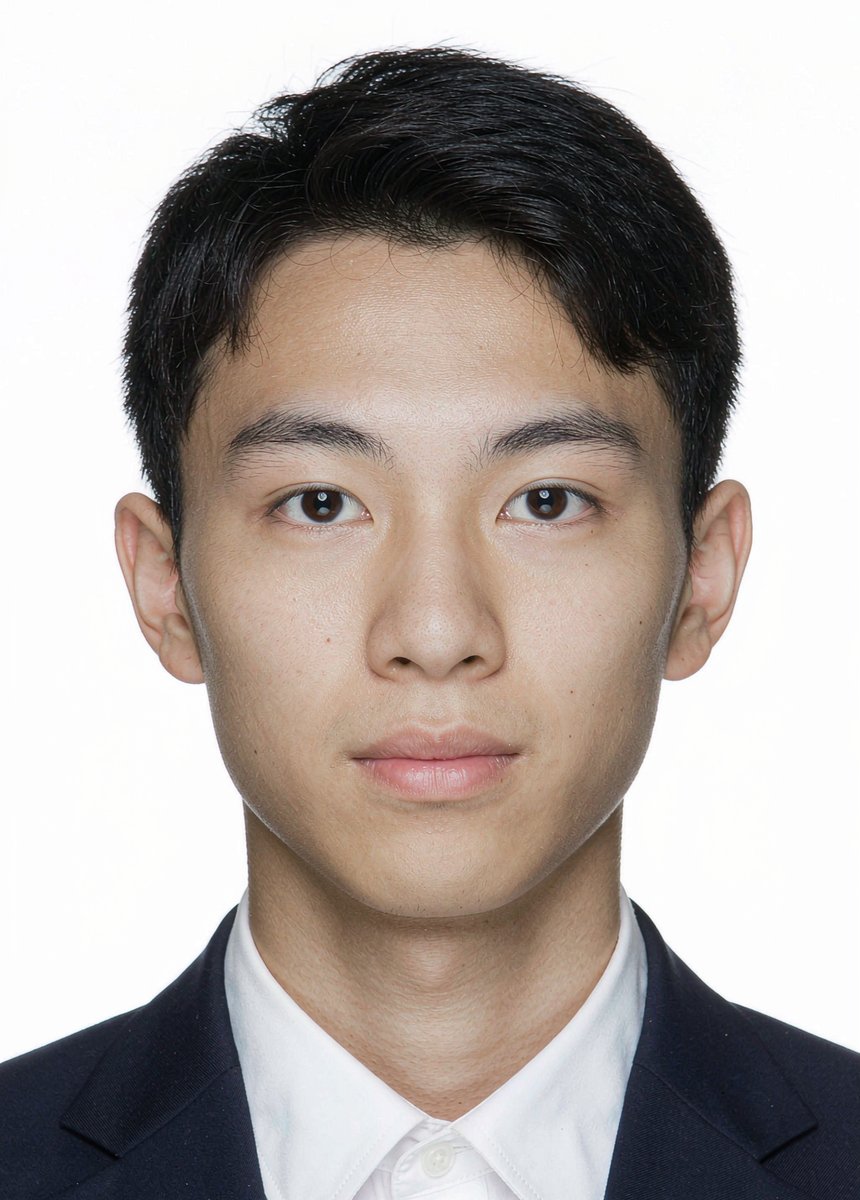 Background Recolor
Passport Photo — White Background
The classic starting point: swap the white backdrop to standard blue or red with the Fill tool, no edge artifacts.

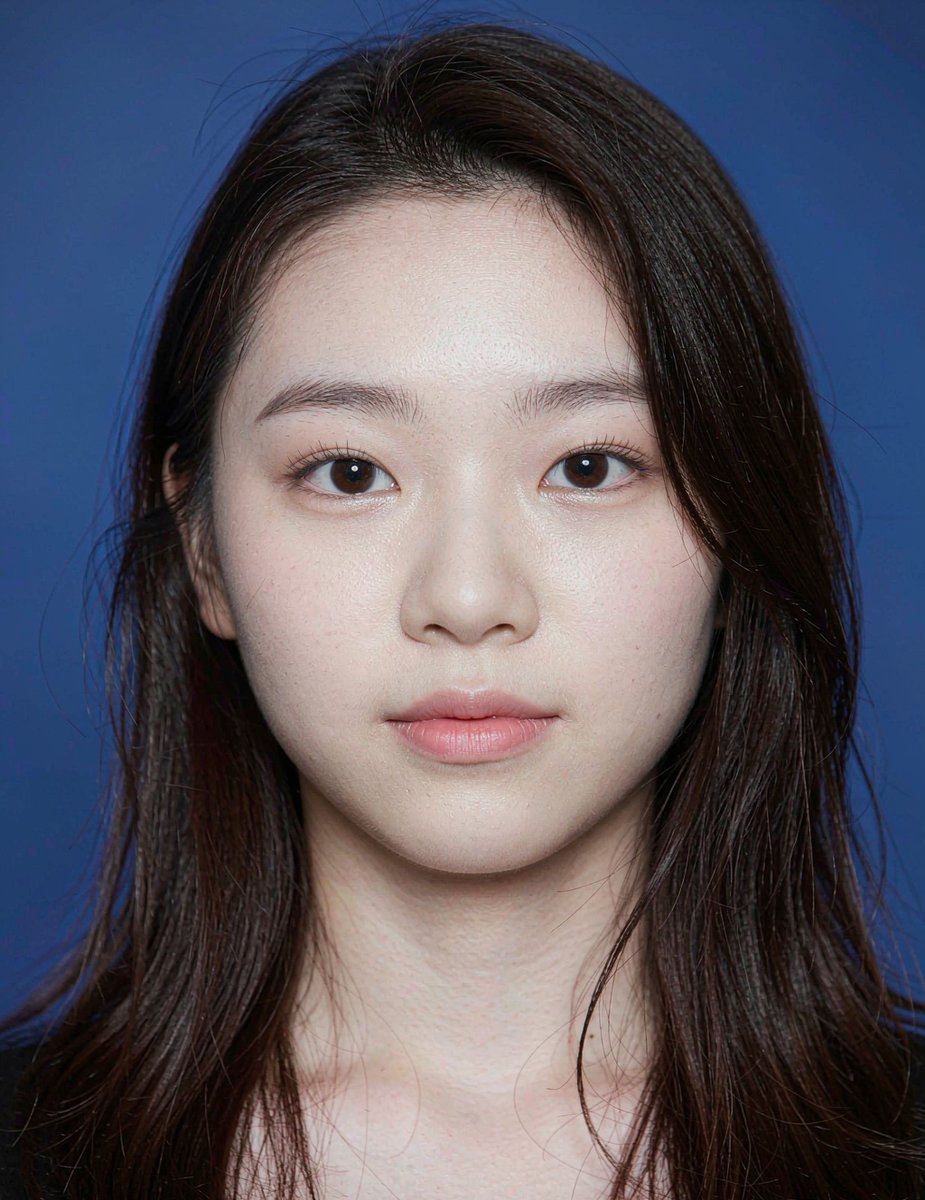 Background Recolor
ID Photo — Blue Background
Blue-background result achieved with tolerance-based fill. Try recoloring it to red, or fine-tune the hairline edges.

 Background Replace
Professional Headshot
LinkedIn-ready portrait. Practice cutting out the subject and placing it on a brand-color or office backdrop.

🛍️E-commerce Product Shots
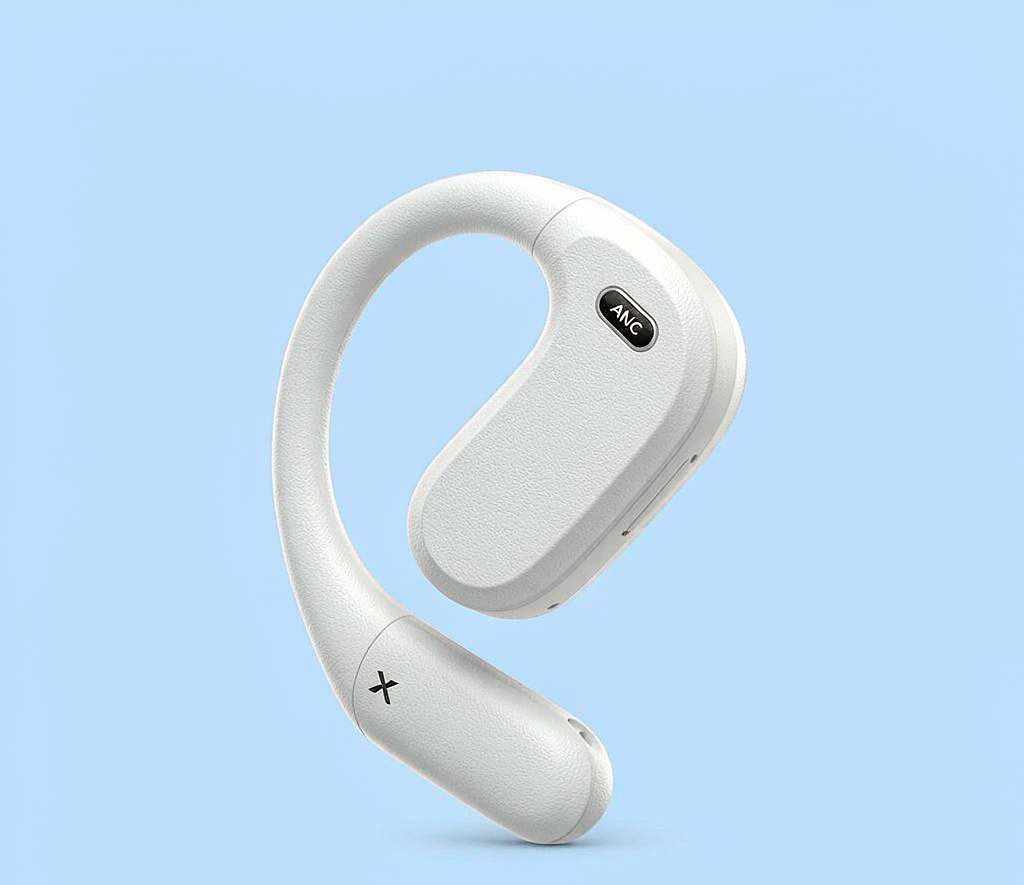 Magic Cutout
Headphones — Clean Cutout
Erase the flat background with the Magic Eraser, then export a transparent PNG for your product listings.

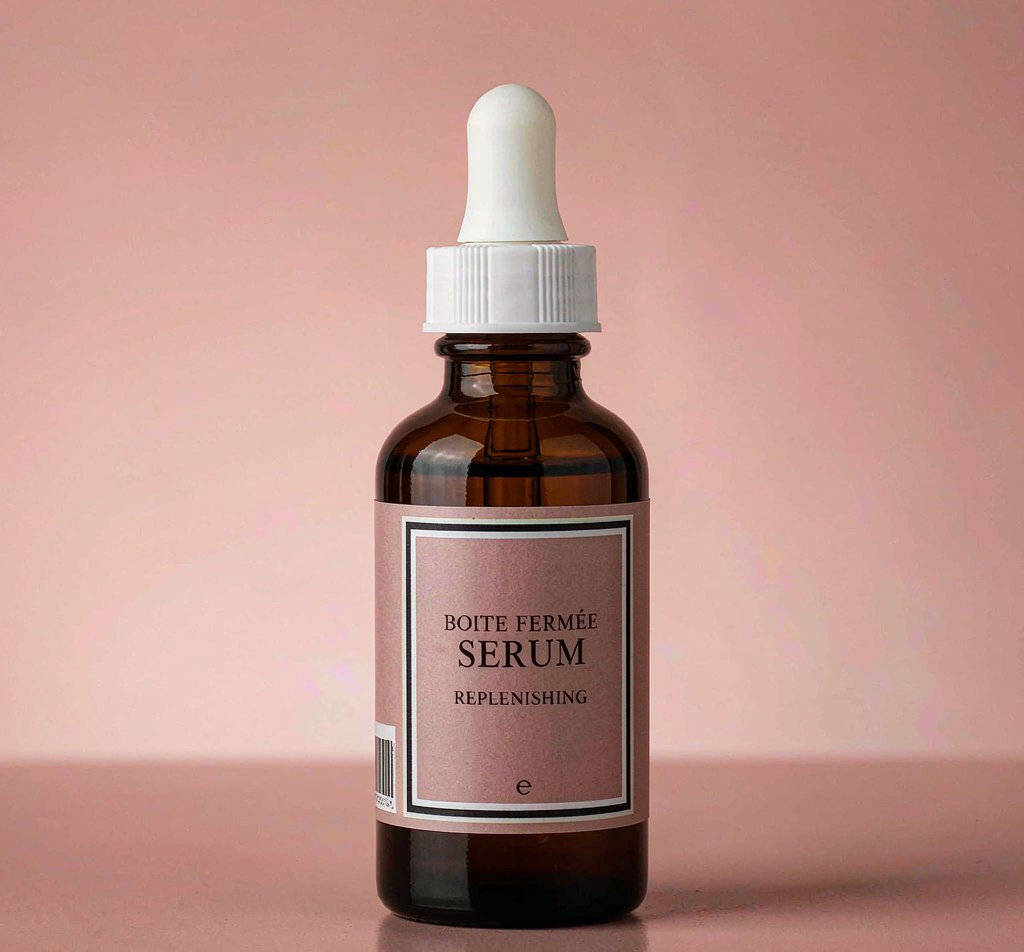 Cutout & Adjust
Skincare Serum Bottle
Cut out the bottle, drop it on a pure white canvas, then fine-tune brightness for marketplace compliance.

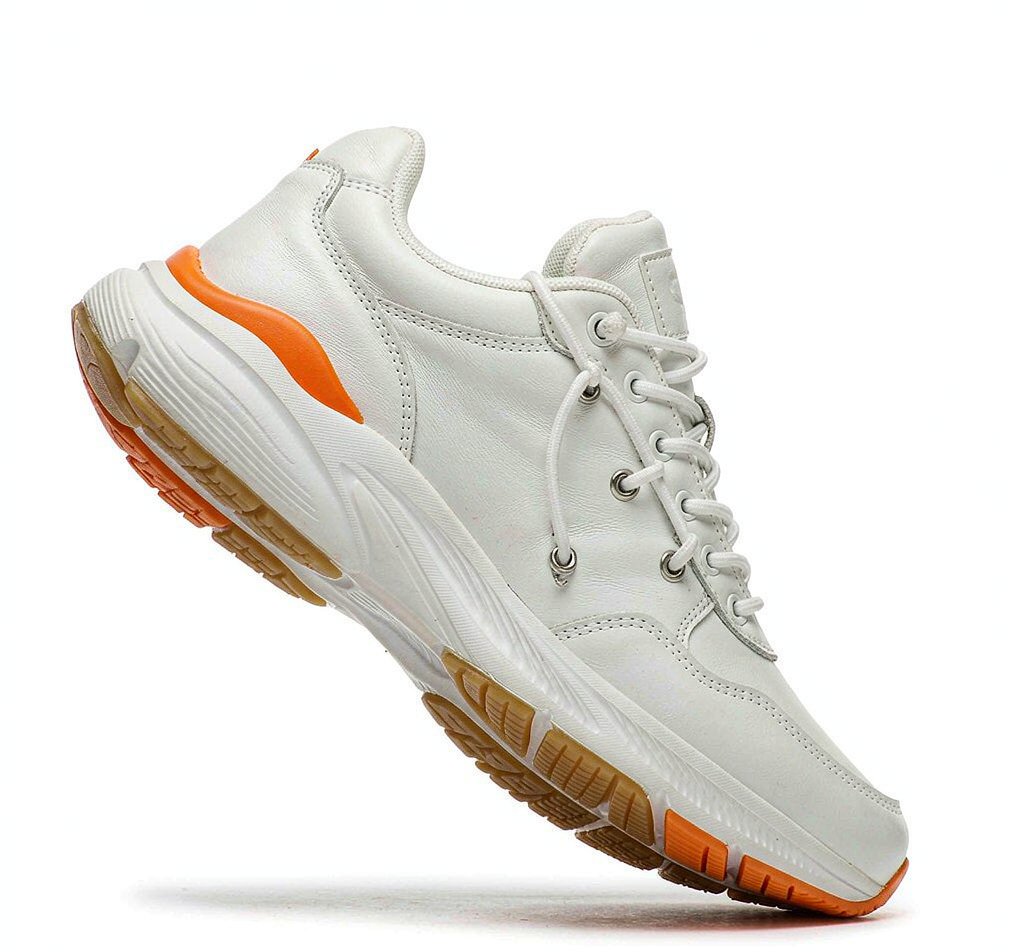 Magic Cutout
Sneaker — Floating Shot
Dynamic floating-angle shot. Isolate the shoe and rebuild the scene with your own brand background.

🎨Photo Finishing & Documents
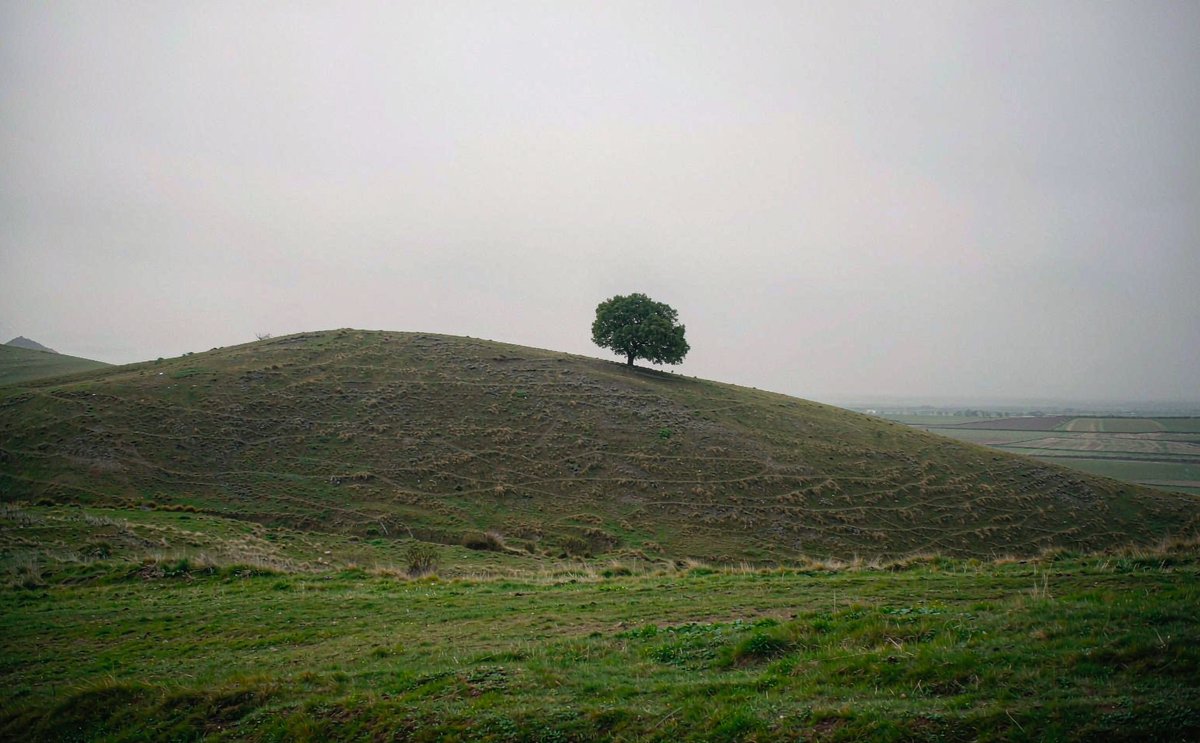 Color Correction
Landscape — Color Recovery
A washed-out, hazy travel shot. Open it and use Auto Adjust or Color Corrections to bring the greens and sky back to life.

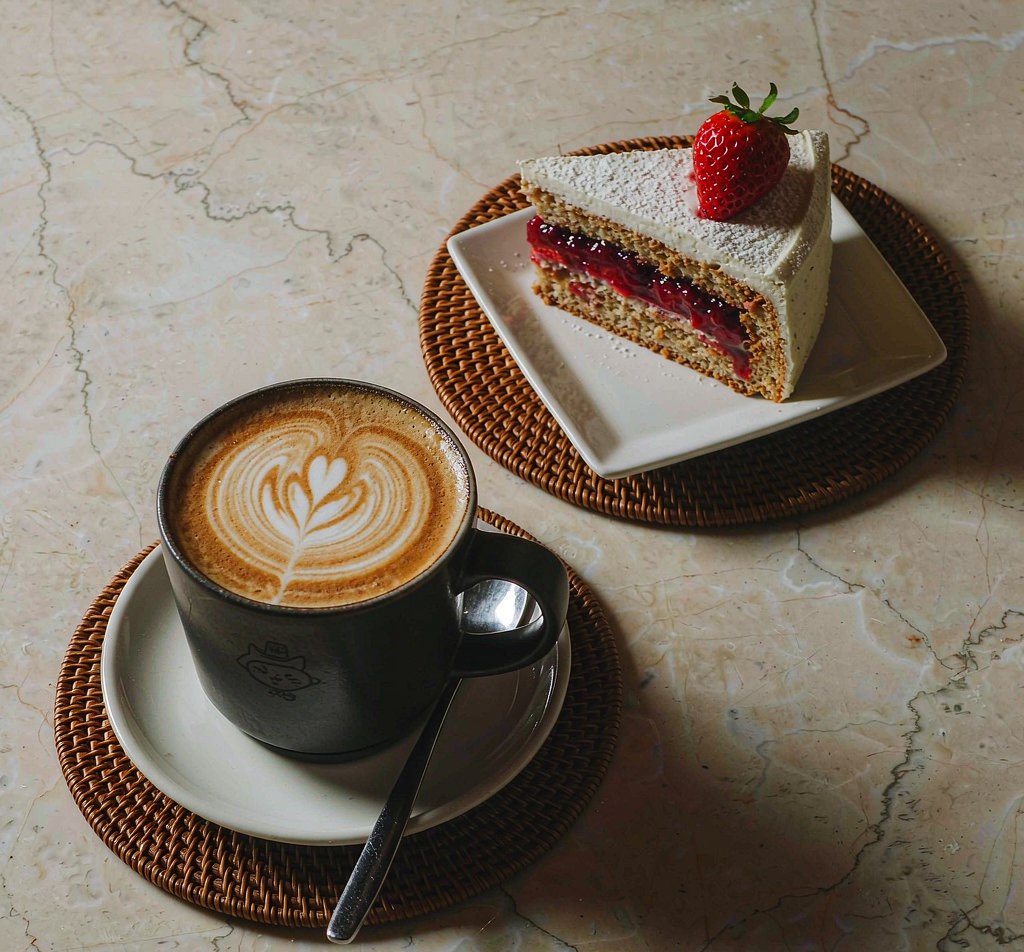 Filters & Tone
Food Flat Lay
Warm café mood. Experiment with one-click filters, warmth and contrast to build your own signature look.

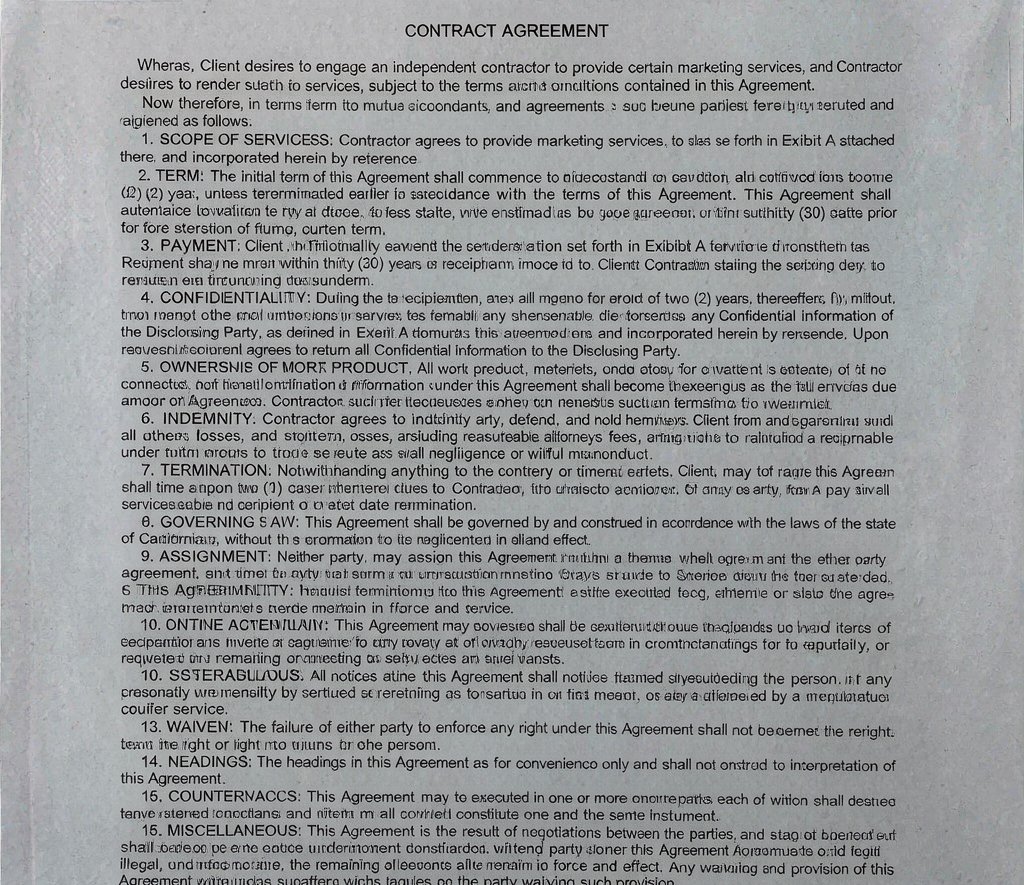 Transparent PNG
Handwritten Signature Extraction
Turn a photographed signature into a reusable transparent PNG for contracts, PDFs and digital paperwork.
